In retail, a price is a price. In B2B, the same SKU might sell at four different prices on the same day: list price to a new retailer, a group discount to established wholesale accounts, a contract price to a distributor, and a volume price to anyone ordering a full pallet. Customer-specific pricing is how you move that logic online.
Moving that logic online is the single most important technical step in B2B ecommerce. If buyers log in and don’t see the price they negotiated, they go straight back to email — and your online store becomes a brochure again.
Key takeaways
- Most stores need three layers: group pricing, a few customer-level exceptions, and quantity breaks.
- Groups should represent business types, not individual negotiations — keep them few.
- Decide the order in which rules apply, and test every group before launch.
- Never let one customer see another’s negotiated price.
What is customer-specific pricing?
Customer-specific pricing means the price shown to a buyer depends on who they are. When a buyer logs in, the store looks up their account and applies the price rules that belong to them — across category pages, product pages, the cart, checkout, invoices and quotes.
It covers several related ideas that are often confused:
- Role-based or group pricing — prices per customer group (Wholesale, Distributor, VIP).
- Contract pricing — a negotiated price for one customer on specific products.
- Price lists — a named set of prices, assigned to one or more customers.
- Volume or tiered pricing — prices that change with quantity (covered in tiered pricing and volume discounts).
The four pricing models compared
| Model | Example | Effort to maintain | Good for |
|---|---|---|---|
| Group % discount | Wholesale = 30% off retail | Very low | Most trade accounts |
| Group fixed price | Distributor price for SKU A = $14.20 | Medium | Products with tight margins |
| Customer contract price | Acme Co pays $13.50 for SKU A | High | Your largest accounts only |
| Quantity tiers | 50+ units = 10% off | Low | Encouraging larger orders |
Group percentage discounts
The easiest model to run: each customer group gets a percentage off the base price, either storewide or per category. When your base prices change, trade prices follow automatically. The downside is that a single percentage rarely fits every product — your margin on accessories may allow 40% off, while your margin on equipment allows 15%. Per-category percentages solve most of this.
Group fixed prices
For products where margin is tight or where you’ve published a trade price list, set an exact price per group per product. It’s more work to maintain, so reserve it for the products that need it.
Customer contract prices
Your top accounts negotiate. Store their contract prices against the customer, not the group, so a new group discount doesn’t accidentally override a contract. Keep the number of contract customers small — every one is a pricing record you must update when costs change.
How to structure your customer groups
- Group by business type or channel, not by negotiation. “Retailer”, “Distributor”, “Installer” are durable; “Customers who asked for 7%” is not.
- Keep it to three to five groups. Each extra group multiplies testing and maintenance.
- Use customer-level exceptions sparingly for the handful of accounts that genuinely need them.
- Document the rules — which group gets what, and why — so sales and accounts teams agree.
Rule precedence: decide it before you launch
When several rules could apply to the same line, you need a clear order. A common, predictable order is:
- Customer contract price (most specific) wins, if present.
- Otherwise, the group’s fixed price for that product.
- Otherwise, the group’s percentage for that category, then storewide.
- Quantity tiers then apply on top — or are ignored for contract prices, depending on your policy.
- Sale prices: decide whether trade customers get the lower of the sale and trade price, or always their trade price.
Whatever you choose, write it down. Most pricing complaints come from two rules interacting in a way nobody planned.
Where the price must appear
Customer-specific prices have to be consistent everywhere the buyer looks:
- Category and search results
- Product pages, including variation prices
- Cart and checkout totals
- Quick order forms and reorder lists
- Quotes, order emails and invoices
- Printable price lists
The printable list is often forgotten. Many buyers still want a PDF to share with colleagues or to plan orders. A wholesale price list generated from the store, showing each visitor their own prices, keeps it consistent with the website automatically.
Showing prices clearly to business buyers
- Show net prices (excluding tax) to business customers — that’s how they budget.
- Consider showing the saving against list price if it helps; some suppliers prefer not to reveal their retail price to trade buyers.
- Show unit and pack prices when you sell in cases (“$2.10 per unit · $25.20 per case of 12”).
- Label the price (“Your trade price”) so the buyer knows they’re seeing their account pricing.
Customer-specific pricing on WooCommerce
WooCommerce has a single regular and sale price per product. To add customer-specific pricing:
- Create customer roles (Wholesale, Distributor…) and assign them on approval — see registration and approval.
- Use Role Based Pricing to set percentage or fixed discounts, or fixed prices, per role — storewide, per category or per product.
- Add Tiered Pricing for quantity breaks.
- Hide retail-only or trade-only products with Product Visibility by User Role.
For true per-customer contract pricing on many products, or ERP-synced price lists, a custom integration is often the cleanest solution.
Testing checklist
- Log in as each group and compare prices on category, product, cart and checkout pages.
- Check variable products — every variation should show the right price.
- Put a product on sale and confirm what each group sees.
- Check quantity tiers on top of group prices.
- Log out and confirm guests don’t see trade prices (including in page source and structured data).
- Check order emails and invoices.
Worked example: one product, four buyers
Take a product with a retail price of $40.00, and four buyers with different arrangements:
| Buyer | Rule that applies | Quantity | Unit price |
|---|---|---|---|
| Guest / retail customer | Retail price | 2 | $40.00 |
| Wholesale retailer | Group discount: 40% off | 12 | $24.00 |
| Wholesale retailer, bigger order | Group discount + 50+ tier (extra 5%) | 60 | $22.80 |
| Distributor | Group fixed price | 200 | $19.50 |
| Key account “Acme Co” | Contract price (overrides everything) | 120 | $18.75 |
Notice the decisions hidden in this table: the tier discount applies on top of the group price for retailers, but the distributor’s fixed price ignores tiers, and Acme’s contract overrides both. None of those choices is right or wrong — but each one must be decided, documented and configured deliberately. For how to set the underlying numbers, see wholesale pricing strategy.
Moving price agreements out of spreadsheets
Most wholesalers start with price agreements scattered across spreadsheets, emails and the memory of their sales team. Before you configure anything online:
- Collect every active agreement in one list: customer, products or categories, price or discount, start and end dates.
- Group the patterns. You’ll usually find that most customers fit a handful of standard discounts — those become customer groups.
- Isolate the true exceptions — the customers with genuinely unique prices. These become contract prices.
- Retire expired deals. Many “special prices” turn out to be from agreements nobody remembers making.
- Agree a single owner for price changes, so the online store stays the source of truth.
This clean-up is often the most valuable part of a B2B ecommerce project — it surfaces margin leaks that existed long before the website.
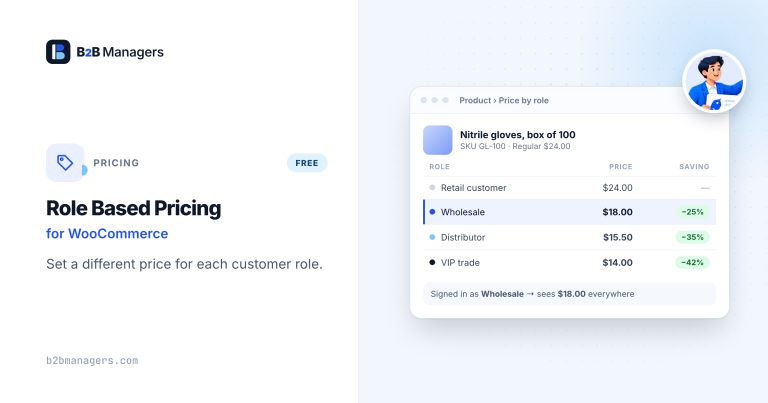
Role Based Pricing for WooCommerce
Different prices for every customer role — percentage or fixed discounts, fixed…
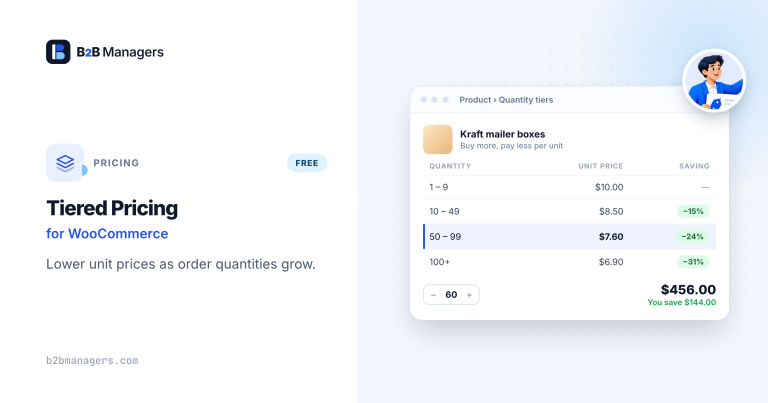
Tiered Pricing for WooCommerce
Quantity-based bulk discounts per product — buy 10+ for 5% off, 50+…
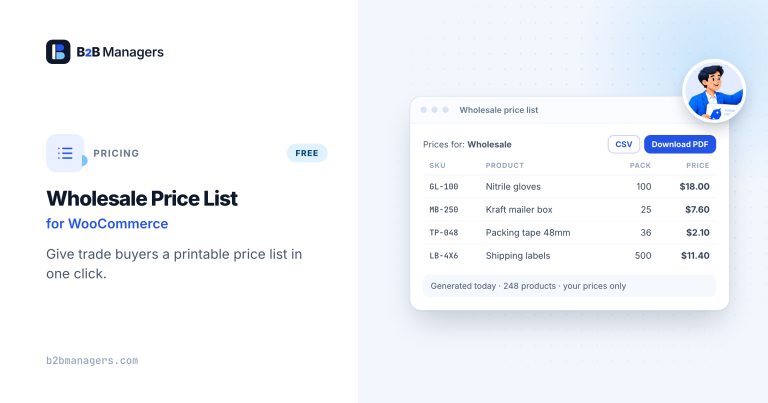
Wholesale Price List for WooCommerce
A print-ready price list of your whole catalog — every visitor sees…
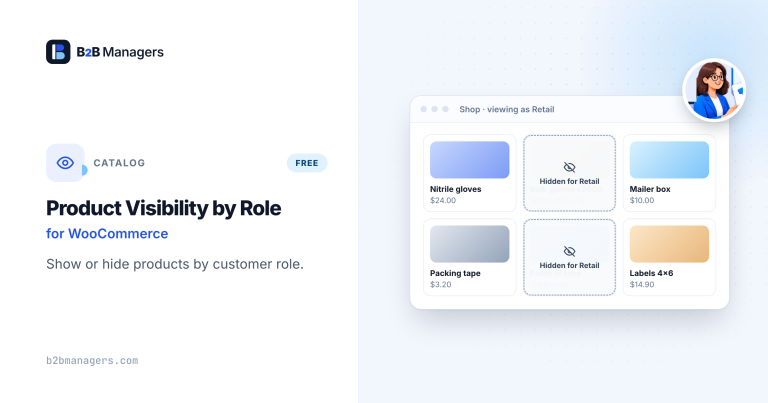
Product Visibility by User Role for WooCommerce
Hide products or whole categories from guests or selected user roles —…
Frequently asked questions
Is it legal to charge different business customers different prices?
Generally, differential B2B pricing is common and lawful, but competition rules apply in some situations — for example, the US Robinson-Patman Act on price discrimination in sales of goods to competing resellers, or EU competition law for dominant suppliers (see the European Commission’s vertical agreements rules). If your pricing could affect competing resellers, get legal advice.
Should trade customers see the retail price?
It depends on your relationship with retailers. Showing “RRP” helps resellers see their margin; some brands hide it to avoid reference-price disputes.
How often should I review group pricing?
At least whenever costs change materially, and annually otherwise. Percentage-based rules make reviews much quicker than per-product fixed prices.
Can customer-specific pricing work alongside quantity discounts?
Yes. Customer-specific pricing sets the starting price for each buyer, and quantity tiers can then apply on top. Decide the order of those rules in advance, because that is where most pricing errors start.